[!IMPORTANT]
Get REA from morluto/rea,
rea.tools, or the rea-agents npm package.
Follow the installation and release links from these official sources. A similar
repository name or copied README does not establish that a download is official.
See a feature in an app that you want in your own product? Ask your agent to investigate it with REA. It can inspect the app without its source code, explain how the feature works, show the evidence, and build a version for your project.
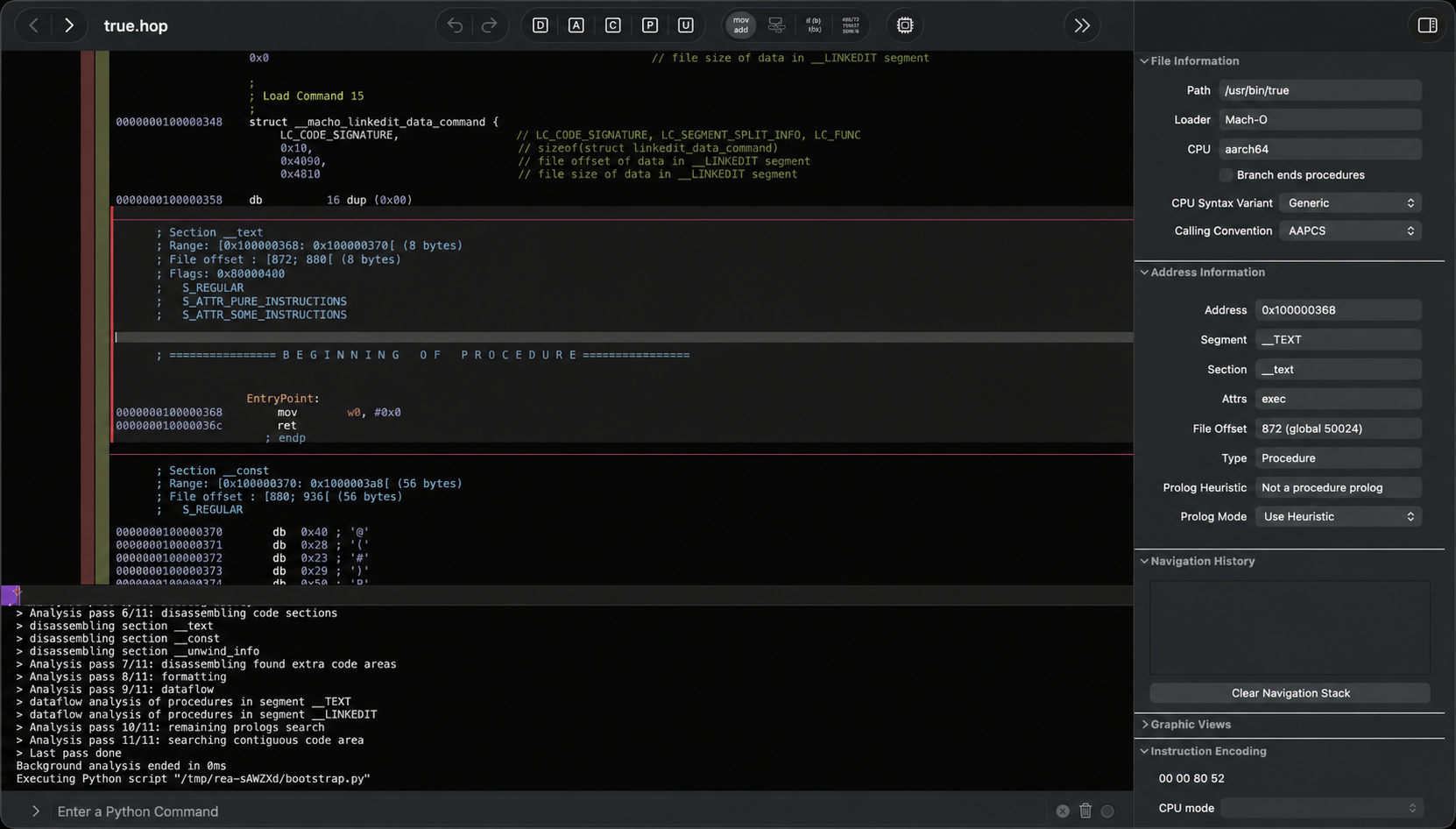
REA connects your agent to tools for inspecting native binaries, JavaScript and Electron apps, .NET assemblies, and websites. You can also use the same tools from your terminal. Analysis runs locally, and results include the evidence and limitations behind each conclusion.
Setup registers REA with your agent and installs matching workflow instructions. Native analysis can use an existing Hopper, Ghidra, or IDA installation; setup can optionally install Hopper with approval. Static JavaScript analysis needs no native analysis engine.
Visit the REA website for setup instructions, illustrated guides, and real case studies.
Quick start
On Linux, Ghidra, JADX, firmware tool launches and static JavaScript/Electron
analysis require a procps-compatible ps on REA's PATH for process ownership
checks. Recovery steps are in docs/installation.md under
"Linux owned-process prerequisite".
Set up your agent
With Node.js and npm installed, run:
npx rea-agents setup
Choose your agents, review the proposed changes, and approve them. Setup adds
REA's MCP server and matching workflow instructions, with backups of existing
configuration. Restart your agent afterward.
Setup supports Claude Code, Codex, Cursor, Gemini CLI, Grok Build and
other agents. See
installation and setup for provider configuration and
manual MCP registration.
Ask your agent
Understand how search works in the Notes app, show me the evidence, and build a
similar feature for my project.
Replace Notes with your target app and the feature you want to understand.
Use the terminal
Inspect an extracted JavaScript/Electron app directory or ASAR:
The result includes modules, imports, Electron boundaries and their evidence.
Replace the path with your target, such as "D:/apps/example" on Windows.
To install the rea command for regular use:
npm install --global rea-agents
rea --help
For native analysis, configure a provider first. See the
CLI and Evidence guide for native commands, provider selection,
snapshots and scripting.
Update REA
REA changes quickly, and new releases include frequent bug fixes. Keep your
installation up to date.
For a CLI installed with npm install --global or bun add --global:
rea update
Bun global updates require Bun 1.2.17 or later. With an older Bun release,
upgrade Bun manually before running rea update.
To refresh your agent registrations and skill, run the setup command printed
by the update.
If you use npx, update your agent setup with:
npx rea-agents@latest setup
Review the setup changes and restart your agent. For one-off CLI commands,
use npx rea-agents@latest followed by the command. With Bun, use
bunx rea-agents@latest in place of npx rea-agents@latest.
How REA works
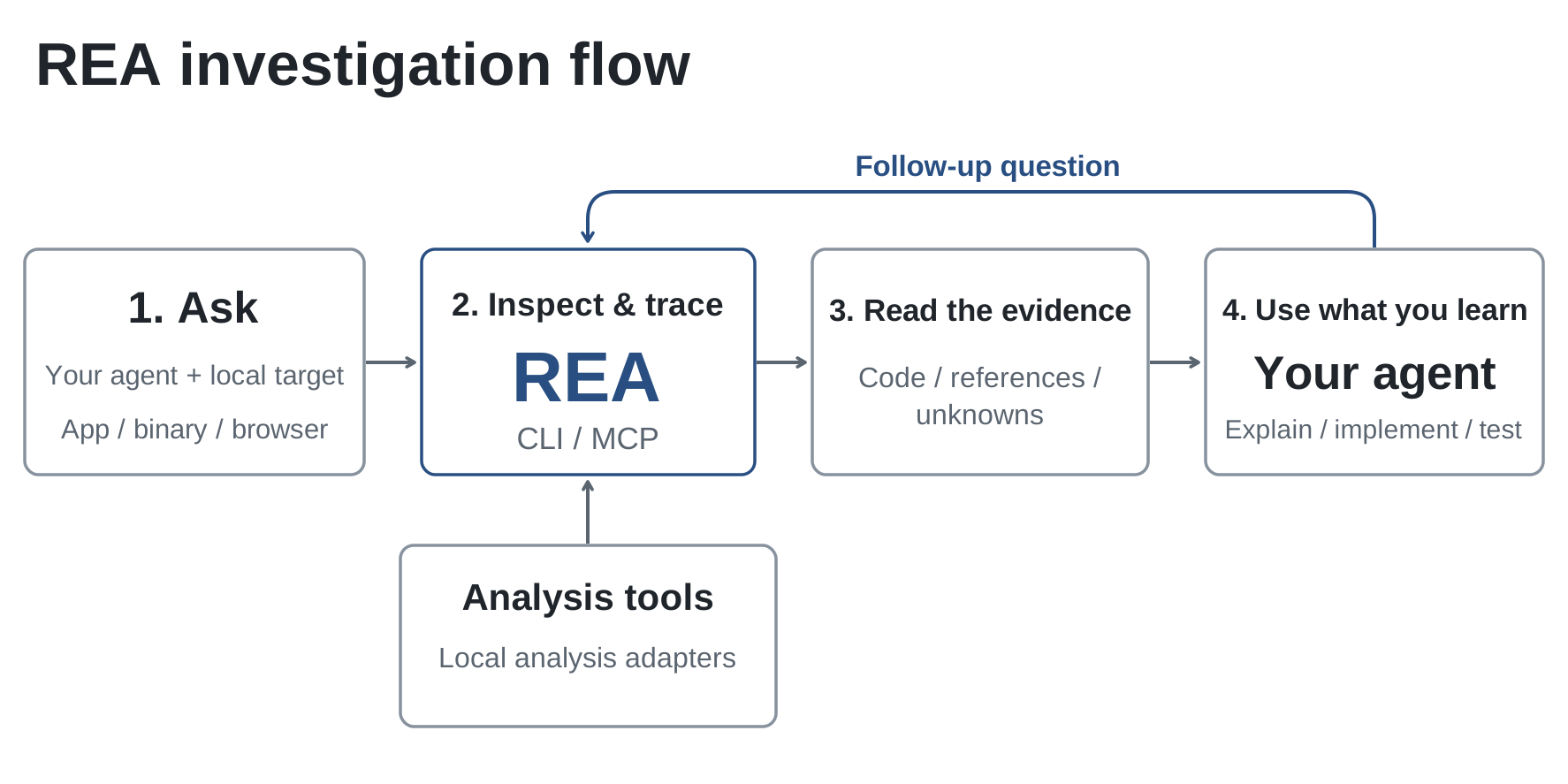
Your agent calls REA through MCP to inspect the target and trace relevant code.
REA returns findings with their evidence. The agent uses them to ask follow-up
questions, explain the behavior, or write and test an implementation.
CLI commands use the same workflows.
Static JavaScript and .NET inspection read the supplied files without running
the application. Runtime capture runs or interacts with the selected target
using your user permissions; each runtime guide describes its effects.
For offline native-binary inspection, REA also supports caller-supplied GNU
objdump and Rizin. See the reverse-engineering tools guide
for provider setup, CLI commands, and Evidence limitations. REA does not install
or update either provider.
Follow a sound call into its position-to-pan helper, inspect the instructions,
and turn incomplete pseudocode into C. The reconstruction passes 3,205
original-x86 cases and reproduces all 63 compiled function bytes.
Inspect the original PC-98 game's 16-bit instructions, recover the fixed and
aimed angle calculations, and compare the reconstructed C++ with the
historical compiler output.
If you've used REA on something interesting, we'd love to see it. Share your
case in an issue or a
pull request, including the target,
your question, how REA helped, and what you found.
Deep native analysis uses one of them. Static JavaScript and .NET inspection
work without a native analysis engine. Setup can install Hopper after approval;
Ghidra and IDA use your existing installations. See provider setup.
Do I need to start Hopper first?
REA starts Hopper when an operation needs it. On macOS, a first-run dialog may
ask you to choose demo mode or activate your license. Complete that prompt in the
same user session before your first CLI/MCP operation or unattended job. Open
Hopper manually if needed. See
Hopper startup and troubleshooting.
What does installing the skill from skills.sh do?
The skill supplies investigation instructions for your agent. Use npx rea-agents setup
to register REA's MCP server and install the matching instructions, then restart
your agent. See skill-only installation.
What code does REA return?
Native analysis returns pseudocode and assembly. JavaScript/Electron analysis
recovers modules and their relationships. Your agent uses these findings to
write and test an implementation; the showcases give worked examples.
Does REA upload my app?
REA analyzes targets locally. Your agent receives the tool results, and its
model provider has its own data policy.
What should I do if I hit a bug?
Update first; a recent release may already fix it.
For a CLI installed with npm install --global or bun add --global:
rea update
For agent setup through npx:
npx rea-agents@latest setup
If you're using an agent, complete the setup refresh and restart
it. Retry the same task. If the problem persists, open an issue
with your REA version, target type, steps to reproduce and error output.
Documentation
Start with the website's worked guides.
For exact options, prerequisites and result contracts:
Installation and setup: agent registration, provider configuration, updates and uninstall.
The project's position on illegal or unauthorized use covers all REA versions,
distribution channels, and platforms; each copy retains its applicable licenses.
REA is for lawful research, education, interoperability, software preservation,
and analysis of software you own or are authorized to examine.
Contributing
We'd love your help with REA! Open an issue to
report a bug or suggest a feature, or send a pull request
to improve the code or docs.
REA-authored code is licensed under MIT. Third-party material retains its own
licenses and copyright notices; see
Third-party notices for the dependency inventory,
preserved license texts, and external-tool terms.
You must legally obtain and be authorized to use commercial tools, including
IDA Pro / Hex-Rays decompilers, Hopper, and JEB, under their applicable
licenses. REA grants no tool license, key, or activation entitlement. Trials and
demos remain subject to vendor terms, including user, feature, automation, and
output sharing restrictions. Cracked copies, stolen keys, unauthorized key
sharing, and bypassing license restrictions are not authorized. This guidance
does not amend MIT or third-party licenses.