This skill syncs changes from experimental or zh into main, preserves contributor history, and ensures main remains the English release branch. This is a maintainer release flow, not a default pipeline that should be seeded into every Pensieve user project.
Hard Rules
main must remain English-only and release-grade.
Preserve source-branch commit history; do not squash contributor history unless the user explicitly asks.
Code logic must stay identical across language branches; only text content may differ.
Do not translate code identifiers, paths, protocol names, command names, frontmatter keys, or Markdown link targets unless the branch rules below explicitly require it.
When the worktree has unrelated local changes, do not run destructive git cleanup commands.
Branch Strategy
experimental: development branch
zh: Chinese release branch
main: English release branch
Default source branch is zh unless the user explicitly specifies experimental. Default remote is kingkongshot.
Translation Scope
Chinese content in these files must be translated into English:
README.md
SKILL.md
.src/references/*.md
.src/tools/*.md
.src/templates/**/*.md
These files are synced directly by default; translate only if user-visible Chinese appears on the English branch:
Scripts and code
JSON/YAML configuration
Deleted files
Binary assets
Workflow
1. Confirm scope
Check current state:
git branch --show-current
git status --short
git remote -v
Pensieve doesn't just store documentation -- it makes every agent conversation more precise:
Validate AI-generated plans -- "Use pensieve to check the accuracy of this plan" -> Automatically cross-references maxims and decisions; plans that violate architectural conventions are intercepted before execution
Narrow the exploration scope -- "Use pensieve to locate the entry point of the payment module" -> Knowledge contains previous exploration results, reuse directly without global search, saving tokens and time
Establish implicit connections -- "Use pensieve to analyze which workflows this refactoring will affect" -> Four-layer knowledge forms a graph through semantic links, following association chains to discover design intent and dependencies
Reduce repeated confirmations -- "Use pensieve conventions to commit code" -> Conventions and decisions are already accumulated, no more asking "what style?" or "where's the boundary?"
You don't need to manually maintain the knowledge base -- daily development feeds it automatically:
During editing: After Write/Edit, the knowledge graph syncs automatically (Claude Code triggers via hooks; other clients can manually run self-improve)
During review: Executes according to project pipelines, conclusions flow back as knowledge
During retrospective: "Use pensieve to accumulate this experience" -> Insights are written to the corresponding layer
You steer the direction, Pensieve helps you avoid pitfalls.
Four-Layer Knowledge Model
Layer
Type
What It Answers
Cross-project?
MUST
maxim
What must never be violated?
Yes -- holds across projects and languages
WANT
decision
Why was this approach chosen?
No -- active trade-offs for the current project
HOW
pipeline
How should this workflow run?
Depends
IS
knowledge
What are the current facts?
No -- verifiable system facts
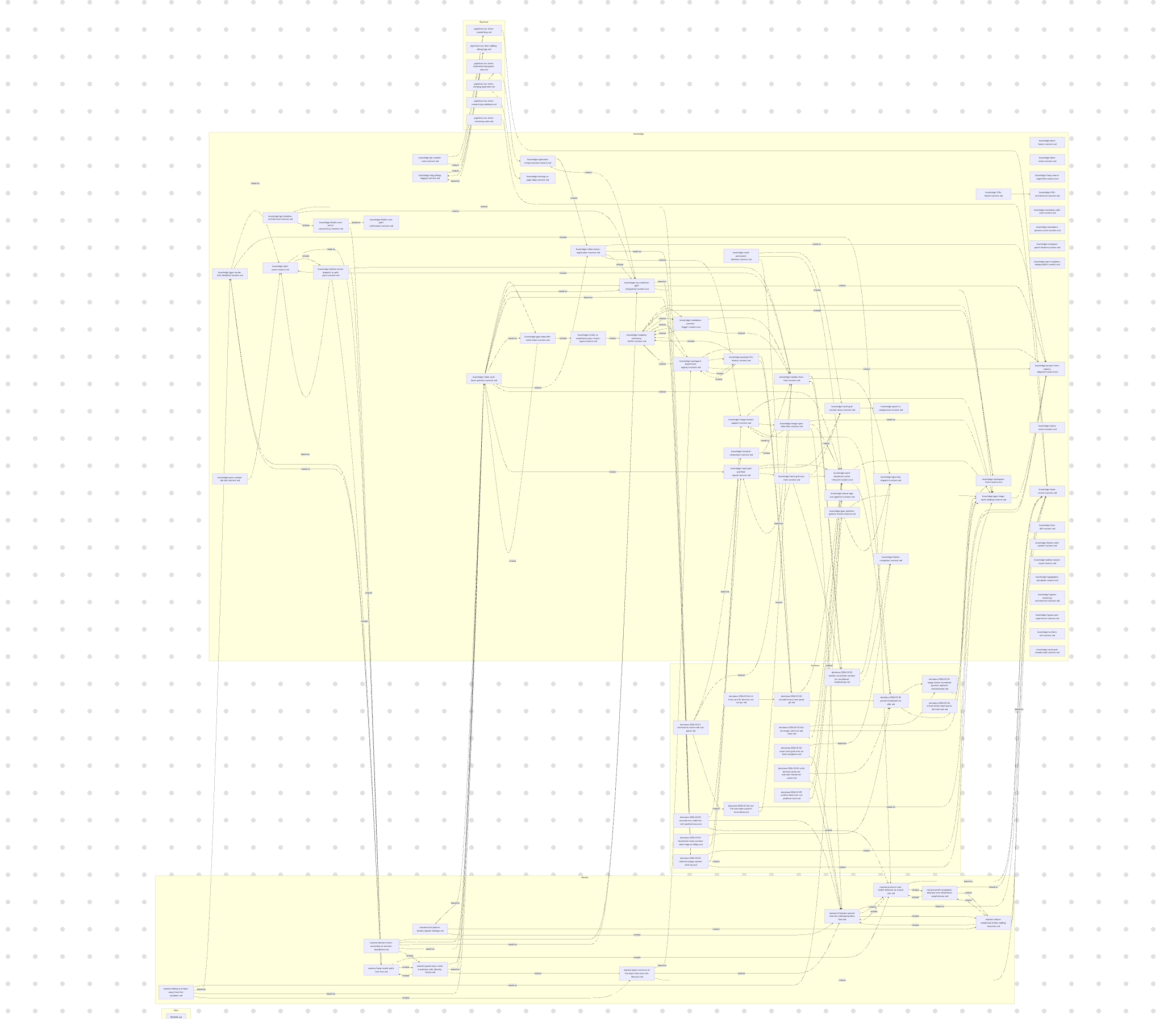
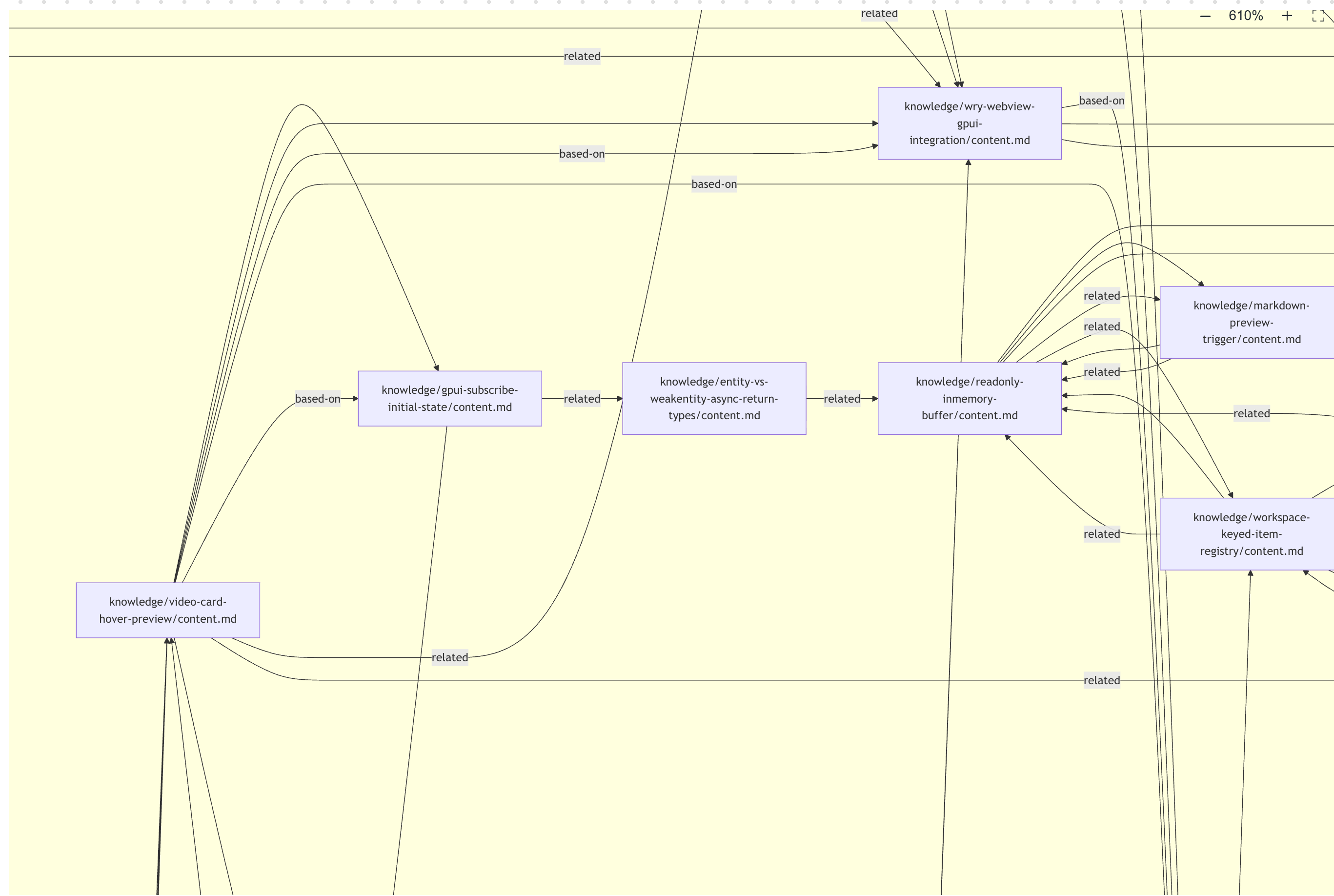
Layers are connected through three types of semantic links: based-on / leads-to / related. As usage accumulates, Pensieve automatically builds a directed graph of project knowledge:
Pensieve was initially known for a Linus Torvalds-style guiding prompt -- using "good taste", "don't break userspace", and "paranoid about simplicity" to constrain agent behavior.
That engineering philosophy is still at the core of Pensieve, but it's no longer an isolated prompt. It's now built in as executable principles, so the agent has "good taste" from day one:
Type
Built-in Content
Effect
maxim
4 Linus-style engineering principles
Agent avoids patchy code, simplifies before extending, and preserves existing behavior
pipeline
Commit + code review + refactor
Every commit, review, and refactor checks against the standards and feeds conclusions back into knowledge
knowledge
Code-taste review standard
"Good code" becomes executable
Try it: "Use pensieve to review the code taste of recent commits" or "Use pensieve to commit local changes".
Installation
Prerequisites: git, bash, Python 3.8+.
Claude Code
# 1. Global install (one-time only)
git clone -b main https://github.com/kingkongshot/Pensieve.git ~/.claude/skills/pensieve

# 2. Install hooks (recommended; auto-syncs knowledge graph after edits, auto-checks status on session start)
bash ~/.claude/skills/pensieve/.src/scripts/install-hooks.sh

# 3. Initialize in your project
cd <your-project>
bash ~/.claude/skills/pensieve/.src/scripts/init-project-data.sh
Other Clients (Cursor / General Agents, etc.)
Replace <skill-path> with the skill directory for your client (e.g., ~/.cursor/skills/pensieve).
# 1. Global install (one-time only)
git clone -b main https://github.com/kingkongshot/Pensieve.git <skill-path>

# 2. Initialize in your project
cd <your-project>
bash <skill-path>/.src/scripts/init-project-data.sh
System code is installed globally once; user data is stored per project in <project>/.pensieve/. Multiple projects share the same system code, each maintaining independent project knowledge.
AI Agent Auto-Install Reference
When a user asks an AI agent to install Pensieve, the agent should follow this decision flow. Below, SKILL_PATH refers to the client-specific installation path (e.g., ~/.claude/skills/pensieve).
Step 1: Check global installation status
SKILL_PATH="$HOME/.claude/skills/pensieve"  # Adjust per client

if [[ -d "$SKILL_PATH/.src" ]]; then
    echo "Pensieve is already globally installed, skipping clone"
else
    SKILL_PARENT="$(dirname "$SKILL_PATH")"
    # Check if parent directory is a git repo (some users sync configs with git)
    if git -C "$SKILL_PARENT/.." rev-parse --is-inside-work-tree >/dev/null 2>&1; then
        git -C "$SKILL_PARENT/.." submodule add -b main https://github.com/kingkongshot/Pensieve.git "skills/pensieve"
    else
        git clone -b main https://github.com/kingkongshot/Pensieve.git "$SKILL_PATH"
    fi
    # Hooks are a Claude Code-specific feature; other clients skip this step
    # bash "$SKILL_PATH/.src/scripts/install-hooks.sh"
fi
Step 2: Determine whether to run project initialization
# If the current directory is the skill's parent config directory, don't auto-initialize project data
CURRENT_DIR="$(pwd)"
CONFIG_DIR="$(cd "$(dirname "$SKILL_PATH")/.." 2>/dev/null && pwd)"
if [[ "$CURRENT_DIR" == "$CONFIG_DIR" ]]; then
    echo "Current directory is the config directory, skipping project initialization. If you need to use Pensieve here, please specify explicitly."
    exit 0
fi
Step 3: Check for legacy data and initialize
HAS_LEGACY=0
for legacy_dir in .claude/skills/pensieve .agents/skills/pensieve skills/pensieve .claude/pensieve; do
    if [[ -d "$legacy_dir" ]] && [[ -d "$legacy_dir/maxims" || -d "$legacy_dir/decisions" || -d "$legacy_dir/knowledge" || -d "$legacy_dir/pipelines" ]]; then
        HAS_LEGACY=1
        break
    fi
done

if [[ "$HAS_LEGACY" -eq 1 ]]; then
    echo "Legacy Pensieve user data detected. Migrate to v2?"
    bash "$SKILL_PATH/.src/scripts/init-project-data.sh"
    bash "$SKILL_PATH/.src/scripts/run-migrate.sh"
    bash "$SKILL_PATH/.src/scripts/run-doctor.sh" --strict
elif [[ -d .pensieve ]]; then
    echo "Pensieve is already initialized in the current project"
else
    bash "$SKILL_PATH/.src/scripts/init-project-data.sh"
fi
Key takeaway: Check global install first -> Determine if parent directory is a git repo to decide clone/submodule -> Skip project initialization for config directories -> Check for legacy data to decide init/migrate.
Updating
# Update system code (one operation, all projects take effect)
cd <skill-path>
git pull --ff-only || { git fetch origin && git reset --hard "origin/$(git rev-parse --abbrev-ref HEAD)"; }

# Health check in your project (optional but recommended)
cd <your-project>
bash <skill-path>/.src/scripts/run-doctor.sh --strict
git pull --ff-only works for normal updates. If the remote branch was force-pushed (e.g., after a squash and republish), ff-only will fail, and fetch + reset will sync local to the latest remote state. This is safe -- the skill directory only contains tracked system files; user data is in <project>/.pensieve/ and won't be overwritten.
Full installation, update, reinstall, and uninstall instructions: skill-lifecycle.md.
Upgrading from Legacy Versions
If your Pensieve was installed at project level (code in <project>/.claude/skills/pensieve/), or installed via claude plugin install, you need to migrate to the v2 architecture:
# 1. Global install system code (if not already installed)
if [[ ! -d <skill-path> ]]; then
    git clone -b main https://github.com/kingkongshot/Pensieve.git <skill-path>
fi

# 2. Install hooks (Claude Code only; other clients skip this)
# bash <skill-path>/.src/scripts/install-hooks.sh

# 3. Run migration in each project
cd <your-project>
bash <skill-path>/.src/scripts/init-project-data.sh
bash <skill-path>/.src/scripts/run-migrate.sh
bash <skill-path>/.src/scripts/run-doctor.sh --strict

# 4. Uninstall old plugin (if applicable, Claude Code only)
# claude plugin uninstall pensieve 2>/dev/null || true
run-migrate.sh will automatically move user data (maxims/, decisions/, knowledge/, pipelines/) from legacy paths into <project>/.pensieve/, runtime state from <project>/.state/ into <project>/.pensieve/.state/, clean up old graph files and README copies, then delete the legacy directories.
.src/manifest.json is the anchor for the skill root directory -- scripts locate all paths through it.
Design Principles
Physical isolation of system code and user data -- System code lives in ~/.claude/skills/pensieve/, user data in <project>/.pensieve/; git pull to update the system can never touch project data
Single source of truth for rules -- Directories, key files, and migration paths are all defined in .src/core/schema.json
Confirm before executing -- When scope is unclear, ask first; don't auto-launch long workflows
Read specs before writing data -- Before creating any user data, read the format specifications in .src/references/