Guide developers through creating and updating ChatGPT plugins. Covers the full lifecycle: brainstorming ideas against UX guidelines, bootstrapping projects, implementing tools/views, debugging, running dev servers, deploying and connecting plugins to ChatGPT. Use when a user wants to create or update a ChatGPT plugin (formerly called a ChatGPT app) / MCP server for ChatGPT, or use the Skybridge framework.
ChatGPT plugins are conversational experiences that extend ChatGPT through tools and custom UI views. They're built as MCP servers invoked during conversations.
⚠️ The plugin is consumed by two users at once: the human and the ChatGPT LLM. They collaborate through the view—the human interacts with it, the LLM sees its state. Internalize this before writing code: the view is your shared surface.
SPEC.md keeps track of the plugin's requirements and design decisions. Keep it up to date as you work on the plugin.
Building an ecommerce plugin? → Read ecommerce.md first.
No SPEC.md? → Read discover.md first. Nothing else until SPEC.md exists.
SPEC.md exists? → Read SPEC.md, then follow architecture.md to design the change. Update SPEC.md, then read the relevant Implementation references below before writing code.
Migrating from Skybridge < 0.36.x? → Read migrate-to-v1.md first. Users may reference skybridge >= 0.36.x as v1.
Migrating from Skybridge 1.x to 2.x? → Fetch the v2.0.0 release notes first and follow them.
Setup
Copy template → copy-template.md: when starting a new project with ready SPEC.md
Run locally → run-locally.md: when ready to test, need dev server or ChatGPT connection
Evals → evals.md: when checking that a real model reaches the right tools from natural prompts, in a test
External links → open-external-links.md: when redirecting to external URLs or setting "open in app" target
OAuth → oauth.md: when tools need user authentication to access user-specific data
Assets and styling → assets-and-styling.md: when adding images, fonts or CSS to views
CSP → csp.md: when declaring allowed domains for fetch, assets, redirects, or iframes
Events → events.md: when ChatGPT should react to activity in the app without the user, such as new comments or incidents
OpenAI MCP extensions → openai-extensions.md: when the view should open from the ChatGPT sidebar, a conversation side panel, a file, or a deep link, or use ChatGPT at-mentions, titled messages or local files
Deploy
Ship to production → deploy.md: when ready to deploy via Alpic
Publish to ChatGPT Directory → publish.md: when ready to submit for review
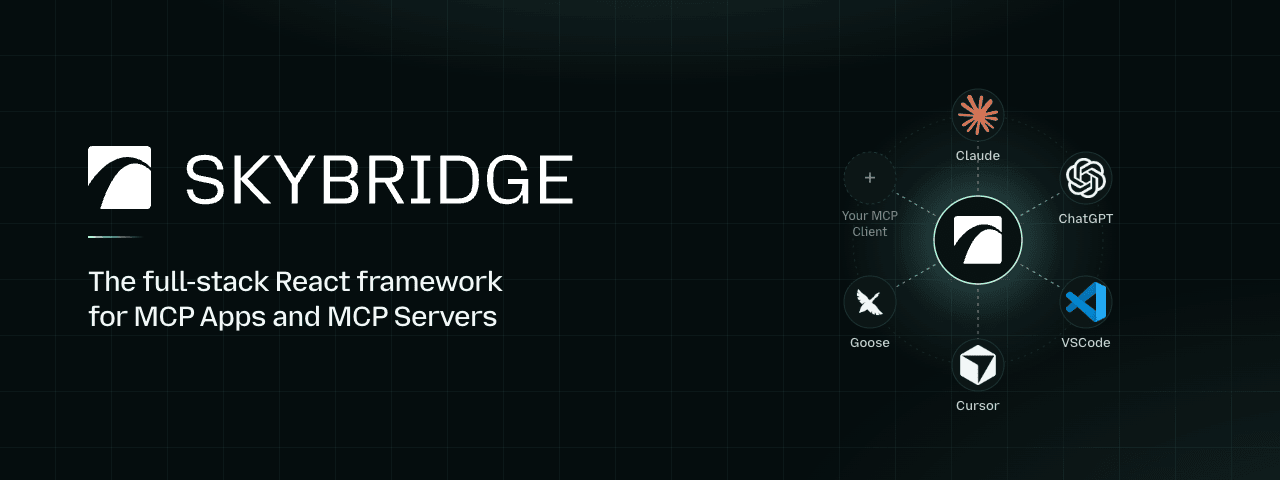
Skybridge helps developers build type-safe MCP Apps for Claude, ChatGPT and other UI-enabled MCP clients, with a complete set of tooling designed for both humans and agents.
Why? MCP Apps extend the Model Context Protocol with rich, interactive UI views rendered from MCP servers. Conversational apps need seamless interaction between the user, the UI, and the model. This means new UX patterns, developer tooling, and abstractions.
Plus, the raw SDKs are low-level: no hooks, type safety, HMR, etc.
That's why we built Skybridge.
Features include:
Delightful dev environment: Skybridge provides a dev server with a local emulator, hot module reload, and a permanent tunnel to connect your local app to Claude and ChatGPT.
Write once, run everywhere: the framework abstracts implementation differences between MCP clients, so your app runs seamlessly in Claude, ChatGPT, VSCode, and any other MCP Apps compatible client.
Agent-ready: powerful skills, CLI, and programmatic dev tool APIs, everything your coding agent needs to build MCP Apps end-to-end.
Type-safe end-to-end: tRPC-style inference from MCP server tool definition to React view for type safety from server to frontend.
React-first: Intuitive React Query-style hooks, with advanced state management.
Example library: get started quickly with ChatGPT- and Claude-ready app examples for ecommerce, travel, SaaS, and more.
They chose to build their MCP Apps with Skybridge:
Get started
For agents
Install our skill for building MCP Apps and ChatGPT plugins:
npx skills add alpic-ai/skybridge -s skybridge
Once installed, ask your agent "What skills do you have?" to confirm, then try:
Fundamentals: understand MCP Apps, ChatGPT plugins, and how Skybridge bridges both runtimes.
Core concepts: learn about server <> model <> UI data flows, LLM context sync, type safety, and instant local iteration with our devtools.
Guides: build real app behavior with tools, views, state, and model communication.
API Reference: browse our MCP server APIs, React hooks, CLI commands, and runtime compatibility.
Deploy
Deploy Skybridge apps instantly on Alpic for scalable hosting, MCP-specific analytics, permanent tunneling, plugin directory compliance auditing and submission help. You can also self-host on any Node.js-compatible platform.
We'd love your help improving Skybridge. Here are a few ways to get involved:
Bugs: If you run into a bug or unexpected behavior, open a GitHub Issue with a clear reproduction.
Questions and ideas: Need help building with Skybridge or have ideas to improve the framework, docs, examples, or developer experience? Open an issue or share them on our Discord.
Pull requests: For code or documentation changes, read the Contributing Guide before opening a PR.